
Online Quran Classes via Zoom, WhatsApp & Google Meet
One of the most common questions we receive is: 'How exactly do online Quran classes work?' The answer is simple, all you need is your phone, tablet or laptop and a stable internet connection. We do the rest. At Hidayah Quran, we offer flexible online Quran classes via Zoom, WhatsApp and Google Meet, delivered one-to-one by our qualified female teacher. You choose whichever platform suits you best.
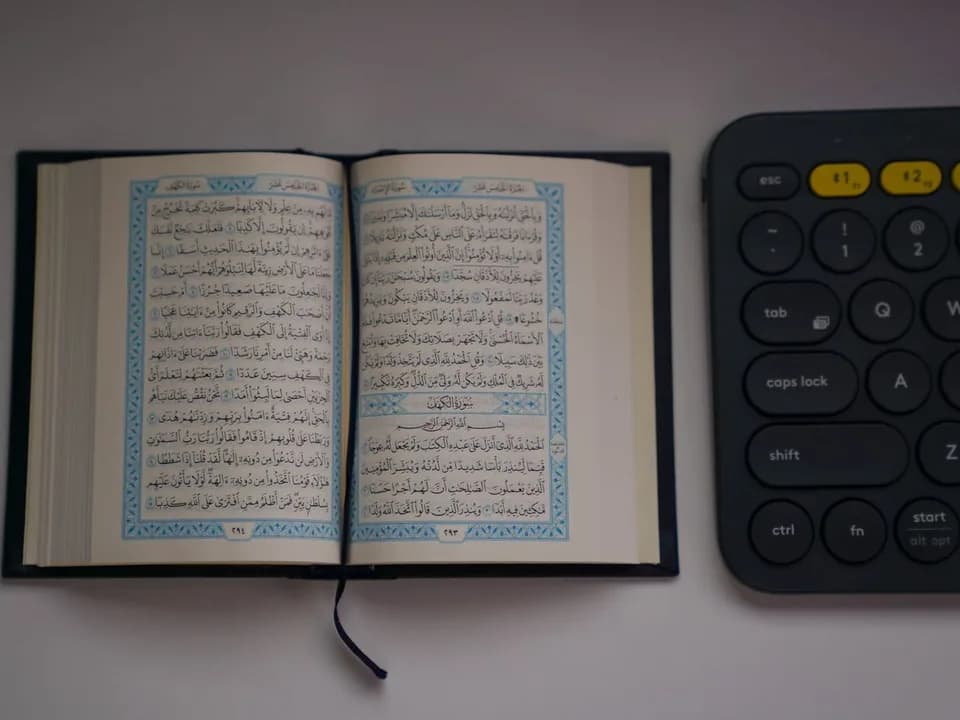
Meet Your Teacher
Ustadha Fatima
Hafiza, female Quran teacher from Pakistan, teaching online since 2015.
Try the Class Before You Commit
Book a free 30-minute trial, meet the teacher, check the teaching style and then decide if regular classes are right for you.
Quran Classes via Zoom
Zoom is our most feature-rich platform for Quran teaching. Here is how a Zoom Quran class works:
- 1
You receive a Zoom meeting link from your teacher before the class
- 2
Click the link on your phone, tablet or laptop, no account required for students
- 3
The teacher turns on their camera and microphone
- 4
For Noorani Qaida and Quran reading: the teacher shares their screen showing the lesson page
- 5
The student reads aloud; the teacher listens and provides real-time correction
- 6
The teacher can draw on the shared screen to highlight letters or rules
- 7
Session notes and homework are sent after class via WhatsApp
Why Zoom works well for Quran:Zoom's audio quality is excellent, crucial for Tajweed where the teacher needs to hear subtle pronunciation details. The screen sharing feature means both teacher and student see the same Quran page simultaneously.
Quran Classes via WhatsApp
WhatsApp is the most convenient option for many students, especially beginners, families and students in UAE and Pakistan. Here is how a WhatsApp Quran class works:
- 1
The teacher calls you on a WhatsApp video call at your scheduled time
- 2
Both teacher and student have the Quran or Noorani Qaida open (physical book or on a second screen)
- 3
The student holds their book up to the camera or the teacher can see their screen
- 4
The student reads aloud; the teacher corrects and guides
- 5
WhatsApp voice messages are often used for practice, the student records their recitation and sends it; the teacher reviews and responds with corrections
Why students love WhatsApp classes: No app to download, no links to click, the class comes straight to your phone exactly like a regular video call. This is especially popular for students who are less tech-confident.
Quran Classes via Google Meet
Google Meet is an excellent choice for students who use Gmail or Google services, or for families who prefer not to use Zoom or WhatsApp. Google Meet Quran classes work exactly like Zoom, video call with screen sharing capability. It is free, secure and works on any device. Simply click the meeting link at your class time.
Which Platform is Best for You?
A quick guide to help you choose the platform that suits your situation best.
| Your Situation | Recommended Platform |
|---|---|
| Children aged 4 to 10 | WhatsApp (simple, familiar) |
| Serious Tajweed students | Zoom (best audio quality) |
| Tech-confident adults | Zoom or Google Meet |
| Students in UAE or Pakistan | WhatsApp (most reliable) |
| Students who want recordings | Zoom (has built-in recording) |
| Anyone wanting simplest setup |
Frequently Asked Questions
Common questions about how online Quran classes work across our supported platforms.
Ready to Start? Choose Your Platform
Whether you prefer WhatsApp, Zoom or Google Meet, your free trial class is just one message away. Tell us your preferred platform and we will take care of the rest.
Book Free Trial on WhatsAppTell us your preferred platform when you message us.